
Get Sixo Clinic.
For Android 8 and newer. Install it, name your clinic, and you are ready — every feature free for 30 days.
Coming soon to Google Play. Until then, install the app directly — it is the same app, signed by Sixo.
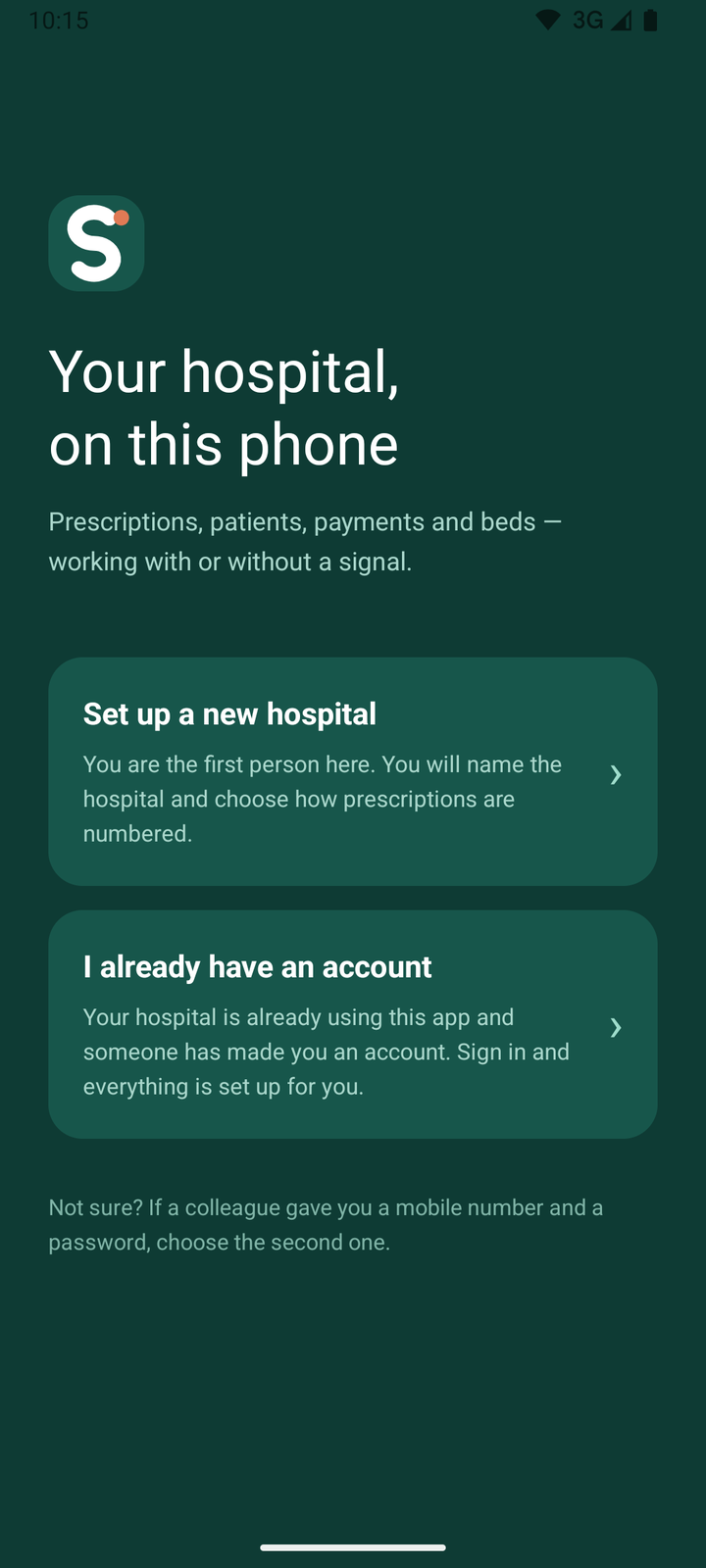
Up and running in three steps.
Install
Download the file above and open it. Android will ask you to allow installs from your browser once — allow it, install, and you can switch the setting off again.
Set up your clinic
Your clinic's name, the doctor's name and registration number, and how prescriptions are numbered. Then create your account with your mobile and email.
Add your team
On the Multi-user plan, add your receptionist and other doctors under More → Staff. They sign in on their own phones.
Joining a clinic that already uses Sixo? Install the app and choose I already have an account, then sign in with the mobile number and password your clinic gave you.